How to Make Your Website Greener: 5 Practical Steps for a More Sustainable Web
The internet may feel weightless, but its environmental footprint is growing fast. Every page load, image, video and script consumes electricity, much of it still generated from fossil fuels. In fact, the global internet produces around 2–4% of the world’s carbon emissions, rivalling the aviation industry.
If you’re a small business owner, you can play a part in reducing that impact. Making your website greener isn’t just about helping the planet. It often leads to faster load times, better SEO performance and a cleaner user experience.
Here are 5 practical steps to green your website.
Video made with FlexClip
1. Choose green web hosting
Web hosting is the foundation of your website and the first place to start when going green. Data centres use a significant amount of electricity to run servers and keep them cool. Some hosting companies now power their operations using renewable energy, such as wind, solar or hydro. Others offset their emissions through verified carbon credits.
What to look for in a green host:
- A commitment to 100% renewable energy
- Certifications like Green-e or ISO 14001
- Transparent sustainability reports
Switching to a green host is a high-impact change that requires minimal effort but delivers long-term benefits.
2. Optimise your website for energy efficiency
The heavier your website, the more energy it takes to load. Optimisation not only makes your website faster for visitors but it also cuts its carbon output.
Simple ways to reduce digital weight:
- Compress images using tools like TinyPNG or Squoosh
- Implement lazy loading so images load only when needed
- Minify code by removing unnecessary characters in HTML, CSS and JS files
- Use a CDN (Content Delivery Network) to deliver content more efficiently, closer to your visitors
An efficient website is a greener website.
3. Simplify your design
While flashy animations and embedded media can impress, they often come at a cost, both in performance and sustainability.
Go minimalist:
- Use fewer large videos or animations
- Avoid autoplay and unnecessary sliders
- Choose system fonts over custom web fonts to reduce file size
- Use vector graphics (like SVGs) where possible
A simple, elegant design often leads to a more sustainable and user-friendly experience.
4. Audit your website’s carbon footprint
Not sure where you stand? Use tools like:
- Website Carbon Calculator
- EcoPing
These tools analyse your website and estimate its environmental impact per page view. You’ll receive a carbon score and personalised tips for improvement.
5. Educate your audience
Transparency builds trust and influence. If you’re working to reduce your website’s carbon footprint, let your visitors know. You can:
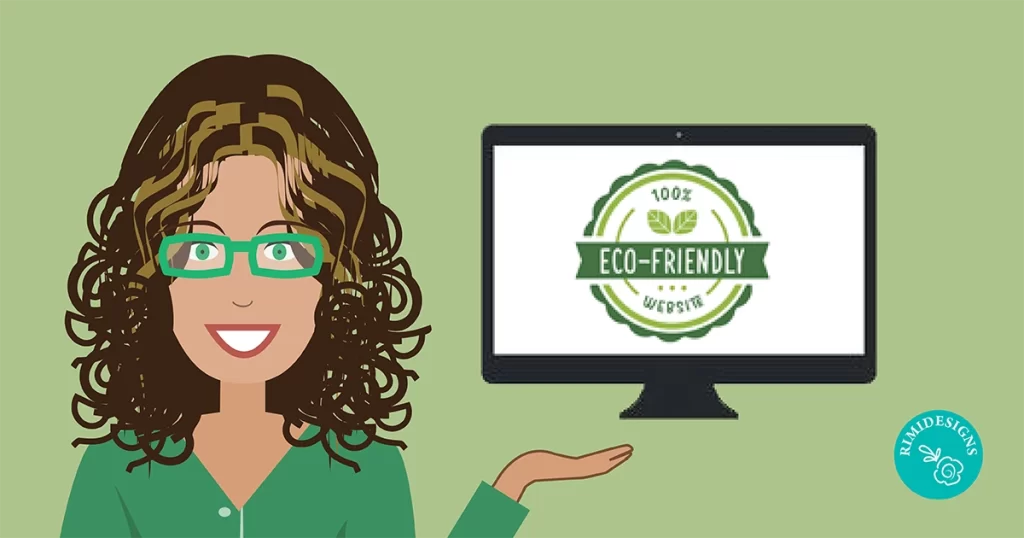
- Add a sustainability badge or eco-statement
- Write a blog post detailing your efforts
- Offer tips to your audience on reducing digital waste
Your leadership can inspire others in your industry or community to take similar steps.
Final thoughts
The internet is a powerful tool and like any tool, it’s our responsibility to use it wisely. By making your website greener, you’re not only contributing to a more sustainable digital ecosystem, but you’re also creating a faster, more inclusive experience for your users. Even small steps can lead to big changes.
Ready to bring your vision to life? Don’t settle for ordinary, let’s design the extraordinary together! Unleash the power of your ideas with stunning visuals. Your masterpiece is just a click away. Think we’d be a great fit? Work with me and let my expert graphic design skills transform your concepts into captivating designs. Let’s talk!
Video made with FlexClip